Once you add your ZEN Card to the Wallet app  on your Apple device, you can pay with Apple Pay anywhere you see the Apple Pay or contactless payment symbols: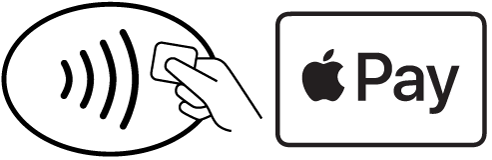
Payments are quick, secure, and contactless, so you can pay without reaching for your card.
Pay with Apple Pay using your iPhone
- Double-click the side button on an iPhone with Face ID, or double-click the Home button on an iPhone with Touch ID.
- When your default card appears, authenticate the payment using Face ID, Touch ID, or your device passcode.
- Hold your iPhone close to the payment terminal.
- Wait for the confirmation on your screen to complete the payment.
Pay with Apple Pay using your Apple Watch
- Double-click the side button below the Digital Crown.
- Hold your Apple Watch close to the payment terminal.
- Wait until you feel a vibration confirming the payment.
That’s it. Your payment is completed as soon as you receive confirmation on your device.