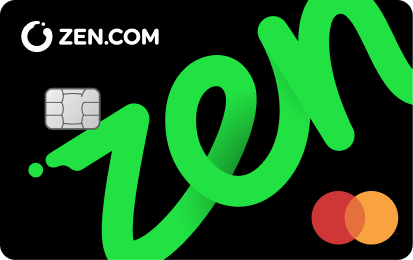
A ZEN card lets you pay with money from your ZEN account online and in stores. Depending on your ZEN.COM subscription plan and card variant, you can also access additional benefits or earn Shards in Reward Zone.
You can order a ZEN card as:
- a physical or virtual card
- a card with Reward Zone enabled or without Reward Zone
If you choose a ZEN card with Reward Zone enabled and have active Reward Zone access, you can earn Shards for eligible purchases. To learn how the program works, see: What is the Reward Zone moneyback program?
Who can get a ZEN card?
The ZEN card is available for:
- ZEN Personal accounts, if you have permission to order cards
- ZEN Business accounts, if you have permission to order cards
To learn how to order a card, see How to order a physical ZEN card.
What benefits do I get with a ZEN card?
The benefits available with your ZEN card depend on your active ZEN.COM subscription plan:
- Good
- Better
- Best
- ZEN
- Smart (Business)
- Enterprise (Business)
For the benefits included with each plan, see: What are ZEN.COM subscription plans?
How can I enable Reward Zone on my ZEN card?
You can’t enable Reward Zone on a card you already have. To use a ZEN card with Reward Zone enabled, you need to order a new card.
When ordering it, make sure to turn on the Reward Zone switch.
See how to order a new ZEN card.
What happens if I cancel my paid subscription plan?
If you cancel your paid ZEN.COM subscription plan, your ZEN card continues to work.
However, if your new plan doesn’t give you Reward Zone access:
- you lose the benefits tied to your previous subscription plan
- if your card was ordered with Reward Zone enabled, it won’t earn new Shards until you subscribe to a plan that includes Reward Zone again